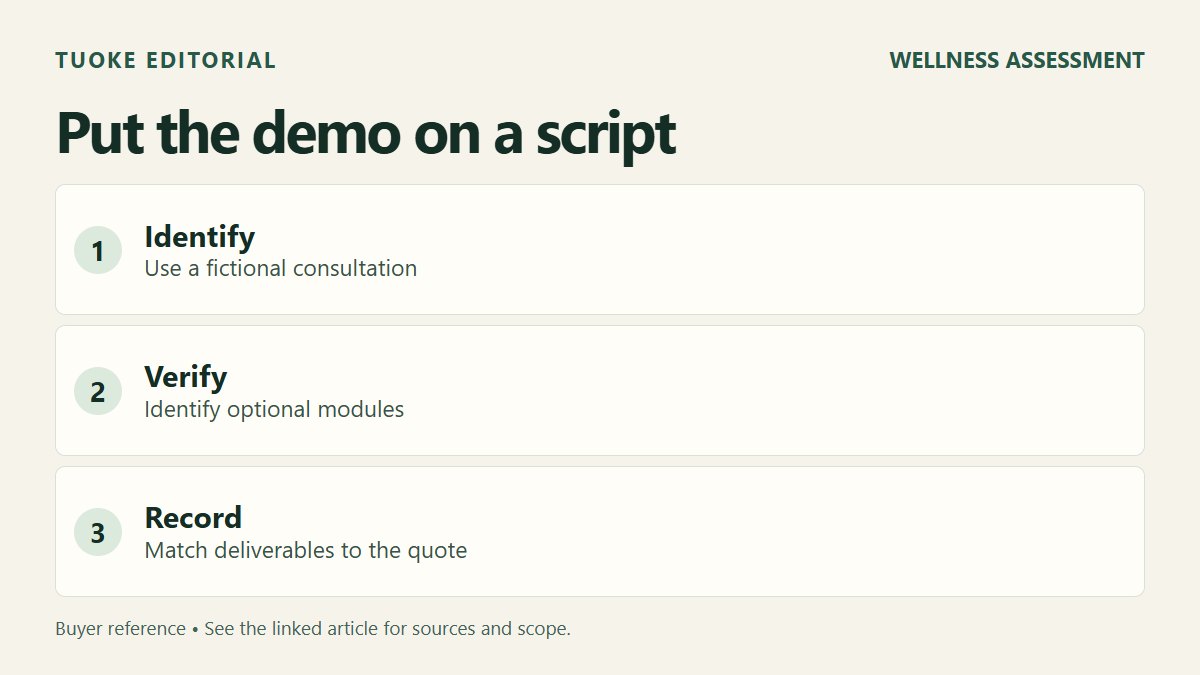
Run a wellness assessment equipment demo with a fictional consultation and a list of the modules in the proposed quote. Have a member of staff repeat the key steps after the sales demonstration. At the end, record what was shown in the exact configuration and what still requires a different module, document or training session.
Choose a case your own staff can repeat
TUOKE’s assessment equipment listing describes a screen-based format intended for structured consultations and says available analysis modules and software language require confirmation by model. Identify the unit, software version and options at the start. Use invented participant details. Ask the demonstrator for a workflow that is appropriate to the product’s documented intended use, and identify any demonstration feature that is not included in the written offer.
For a simple test, assign three roles: a staff operator, a person following the fictional consultation script and an observer. The observer records how the operator starts a consultation, corrects a deliberately mistyped fictional name and completes the demonstrated workflow. If a step relies on a supplier login or a feature that staff will not receive, mark it as unresolved. Handle questions outside the agreed scope using the venue’s existing escalation process.
Give each observed feature an invoice or quote reference
- Base setup: Record the device and software references, the included modules and any accessories used during the demo.
- Optional modules: Identify which parts of the workflow required an extra entitlement. Link each option to the written pricing and renewal terms, if applicable.
- Handover: Ask who delivers the instructions, when staff will practice and which questions will be escalated after delivery.
- Open issues: Record the evidence still needed before the order can be accepted, and name the person responsible.
For example, suppose the demo displays an additional consultation screen that the venue wants, but the quote names only the device. Ask the seller which module adds it and whether the shown configuration matches the offer. Have a staff member demonstrate the agreed basic workflow without relying on undocumented options. If the demo is performed on a different release, ask what must be repeated on the quoted version.
Keep the outcome specific to the configuration
Send the completed worksheet back to the supplier as part of commercial review. Confirm what the team will receive in the basic handover and whether the unresolved screens can be demonstrated before installation. Keep the first worksheet available for later training so staff can distinguish a missing capability from an unfamiliar sequence. Delete fictitious demo records according to the agreed demo procedure. This test evaluates a buying and operating workflow. It does not validate medical accuracy, establish diagnostic use, or replace a separate privacy, language or exit review.
Ask who will run the first staff walkthrough after installation. A brief handover note can name the agreed demo configuration, the current training material and the contact for missing operator access. That gives a second shift the same starting information without relying on someone’s memory of the sales meeting.
See the wellness assessment resources for related buying questions.
Sources reviewed on 25 November 2026
Explore Wellness Assessment
Compare equipment formats and request documentation for the exact model and destination market.
Wellness Assessment product category